
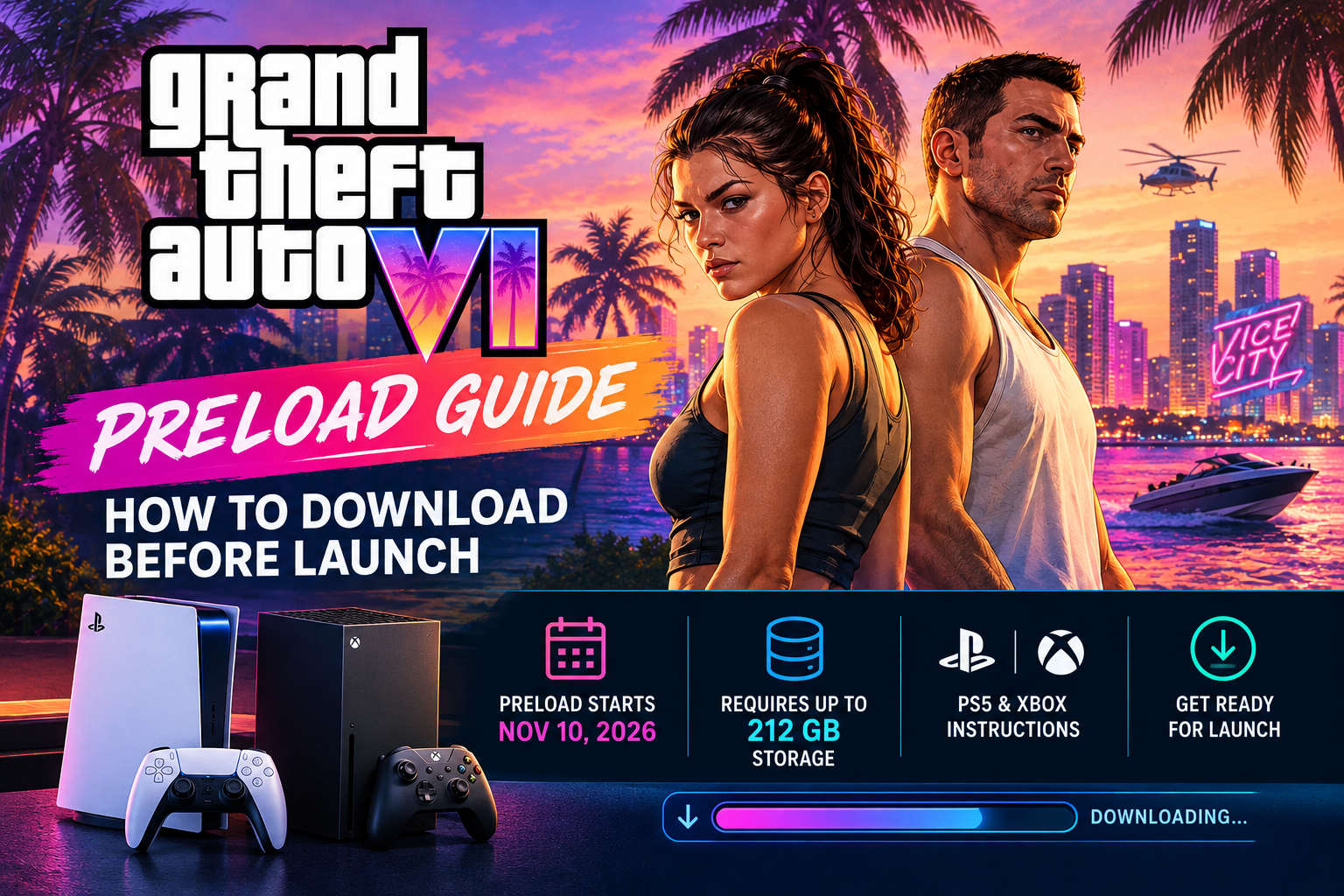
Grand Theft Auto VI is almost here, and players can start preparing for launch now. Rockstar Games has confirmed that digital pre-loading for GTA 6 begins on November 10, nine days before the game’s November 19 launch.
The biggest thing players need to know? GTA 6’s preload can require up to 212 GB of available storage, depending on the device.
If you want to be ready to play as soon as GTA VI launches, here’s everything you need to know about the preload, storage requirements, timing, and how to make sure your console is ready.
When Does GTA 6 Preload Start?
Rockstar has confirmed that GTA VI digital pre-loading begins on Tuesday, November 10, 2026.
The exact start time depends on your console:
PlayStation 5
On PS5, GTA VI digital pre-loading begins at:
12:00 a.m. local time on November 10, 2026
That means the preload begins at midnight according to your local time zone.
Xbox Series X|S
On Xbox Series X and Xbox Series S, preload begins globally at:
12:00 a.m. GMT on November 10, 2026
For players in the United States, that means the Xbox preload becomes available on the evening of November 9depending on your time zone.
For example, players on Eastern Time can begin at 7:00 p.m. ET on November 9.
Rockstar’s official support page confirms the different timing for PlayStation and Xbox.
How Much Storage Does GTA 6 Need?
This is one of the biggest things you’ll want to check before November 10.
Rockstar says the GTA VI preload will require up to 212 GB of available storage, depending on your device.
That’s a substantial amount of space.
Before preload day, check your console’s available storage and consider removing games or other content you no longer need.
Our recommendation
Don’t wait until November 10 to discover that your console doesn’t have enough free space.
If your console is getting close to its storage limit, clear space before preload day.
Also remember that having exactly 212 GB free may not be the best strategy. Give yourself additional room for system files, updates, and other content.
How to Preload GTA 6 on PS5
If you purchased the digital version of GTA VI on PlayStation 5, Rockstar says you can enable automatic pre-loading through your console.
Step 1: Make sure GTA VI is pre-ordered
You need to have the digital version purchased or pre-ordered through the PlayStation Store.
Step 2: Enable automatic downloads
Make sure automatic downloads are enabled on your PS5.
Step 3: Keep your PS5 ready
Rockstar says your PS5 can be either powered on or in Rest Mode for automatic pre-loading.
Step 4: Make sure you have enough storage
You should have at least the required available space before November 10.
Step 5: Let the console download the game
Once the preload becomes available, your PS5 can begin downloading GTA VI automatically if the appropriate settings are enabled.
Sony’s official GTA VI support page also confirms that PS5 preload begins November 10 at midnight local time and lists 212 GB of available storage as the requirement.
How to Preload GTA 6 on Xbox Series X|S
Xbox players have a slightly different schedule because Rockstar is using a global GMT start time.
Step 1: Pre-order GTA VI
Make sure you have purchased the digital version of GTA VI.
Step 2: Enable automatic updates
Xbox’s automatic update settings should be enabled.
Step 3: Keep your console ready
Rockstar says your Xbox Series X|S can be powered on or placed in Sleep mode for automatic pre-loading.
Step 4: Check your storage
Make sure you have sufficient free space for the download.
Remember, Rockstar says the preload can require up to 212 GB.
Step 5: Start the download
When the preload becomes available at 12:00 a.m. GMT on November 10, your Xbox should begin downloading the game if the appropriate settings are enabled.
GTA 6 Preload Time: U.S. Time Zones
For Xbox players, Rockstar’s 12:00 a.m. GMT launch time translates to the following U.S. times:
| Time Zone | Xbox Preload Begins |
|---|---|
| Eastern Time | 7:00 p.m. — Nov. 9 |
| Central Time | 6:00 p.m. — Nov. 9 |
| Mountain Time | 5:00 p.m. — Nov. 9 |
| Pacific Time | 4:00 p.m. — Nov. 9 |
Important: PlayStation 5 uses midnight local time on November 10 rather than the global Xbox GMT schedule.
What About Physical Copies of GTA 6?
There’s an important detail that physical buyers should know.
The physical version of GTA VI is a code-in-box version. Rockstar says the box does not contain a game disc.
Code-in-box versions are expected to become available from retailers beginning November 12, 2026.
Once the code is redeemed, the game can be pre-loaded before launch.
So if you’re buying the physical version expecting a traditional Blu-ray game disc, that’s not what you’ll receive.
When Does GTA 6 Actually Launch?
Grand Theft Auto VI officially launches on:
November 19, 2026
The game is launching on:
- PlayStation 5
- Xbox Series X
- Xbox Series S
A PC release has not been announced by Rockstar at this time.
The PlayStation 5 support page confirms the November 19 release date, while Rockstar’s official announcement confirms the launch platforms.
How to Get Your Console Ready for GTA 6
Don’t wait until preload day to prepare.
Here’s our GTA 6 preparation checklist:
1. Check your storage
Make sure you have plenty of available storage.
Target: 212 GB or more available.
2. Check your internet connection
A 212 GB download can take a significant amount of time depending on your connection speed.
If possible, use a wired Ethernet connection for a more stable download.
3. Enable automatic downloads
This allows your console to begin the preload when it becomes available.
4. Keep your console updated
Install any pending PS5 or Xbox system updates before preload day.
5. Check your account
Make sure you’re signed into the PlayStation Network or Xbox account associated with your GTA VI purchase.
6. Don’t wait until launch day
The whole point of preloading is to get the download out of the way before November 19.
Downloading 212 GB on launch day could mean spending hours waiting before you can play.
What If I Don’t Have Enough Storage?
If your console doesn’t have enough available space, you’ll need to free up storage before the preload begins.
Start by checking:
- Games you no longer play
- Old game installations
- Large video captures
- Screenshots
- Applications you no longer use
- Other large downloaded content
If you have an external storage device, remember that compatibility and installation requirements can vary. Check the requirements for your specific console and storage device before purchasing anything.
Does GTA 6 Need 212 GB Exactly?
Not necessarily.
Rockstar describes the preload requirement as up to 212 GB depending on your device. That means 212 GB should be treated as the maximum currently stated requirement rather than assuming every console will use exactly that amount.
Because game updates and additional data can change storage requirements, having some additional free space is a smart idea.
GTA 6 Preload Checklist
Here’s the quick version:
Before November 10:
☐ Pre-order GTA VI
☐ Check available storage
☐ Free up at least 212 GB if necessary
☐ Install pending console updates
☐ Enable automatic downloads
☐ Check your internet connection
☐ Make sure you’re signed into the correct account
November 10:
☐ PS5 preload begins at midnight local time
☐ Xbox preload begins at 12:00 a.m. GMT
☐ Start the download
☐ Leave enough time for the installation
November 19:
☐ GTA VI launches
☐ Start playing
Final Thoughts
The GTA VI launch is now just days away, and the preload gives players a chance to get the massive download completed before launch day.
The most important number to remember is 212 GB.
If you’re playing on PS5 or Xbox Series X|S, check your storage now rather than waiting until November 10. With the preload beginning nine days before launch, there’s plenty of time to download the game and have your console ready for November 19.
We’ll continue updating this guide as Rockstar releases additional information about GTA VI.
Are you ready for GTA 6? How much free storage does your console have right now? Let us know in the comments.
Official GTA 6 Resources
For the latest information, always check Rockstar’s official GTA VI resources: